
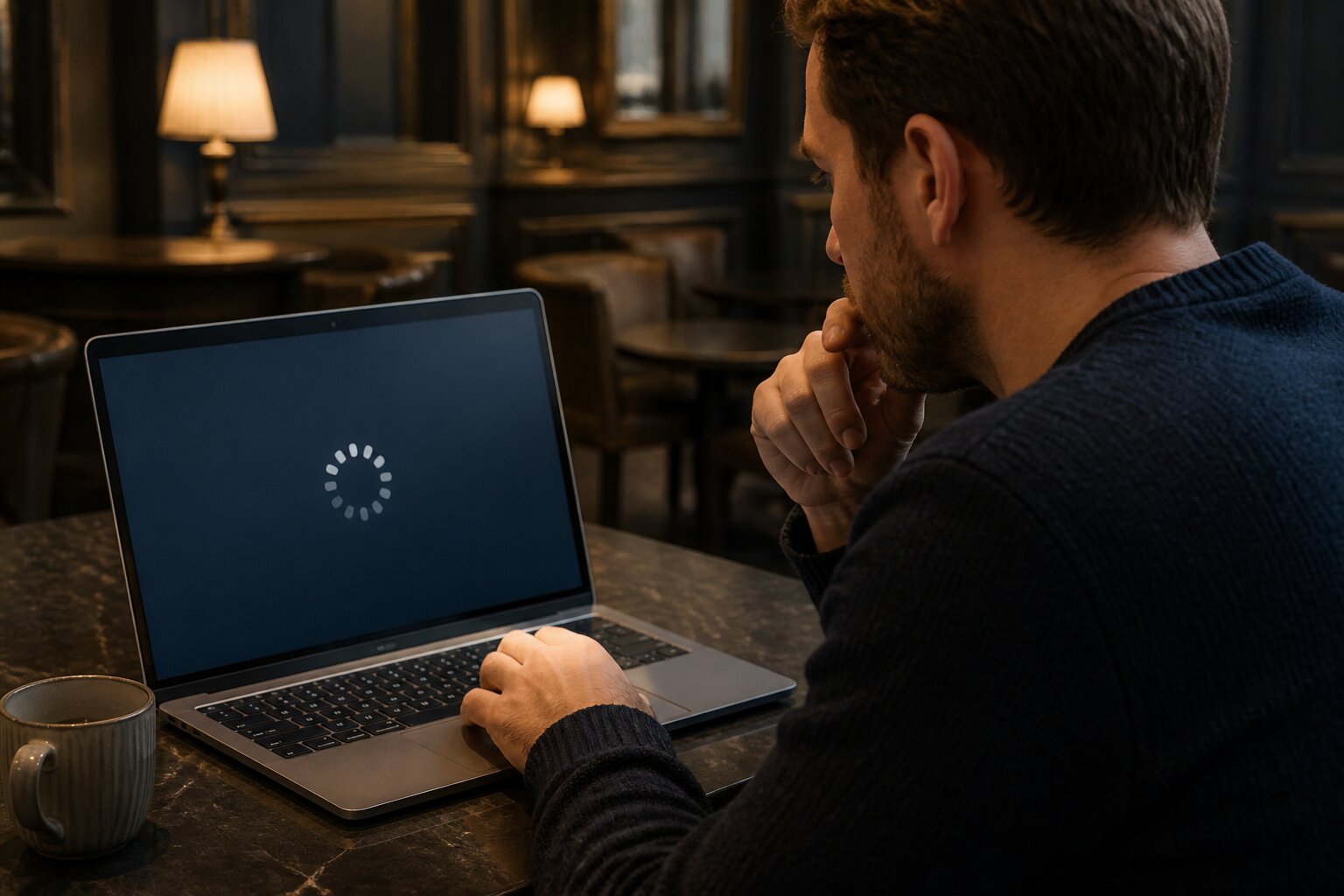
There is nothing more frustrating than being ready to play your favourite online casino game only to be faced with a frozen screen or a game that will not load. These interruptions are common, but many of them have straightforward explanations and fixes.
This guide walks through the likely causes, simple checks you can do yourself, device-specific fixes and when it makes sense to contact support. Each section builds on the last so you can move from quick remedies to deeper troubleshooting with confidence.
Why Do Casino Games Freeze or Fail to Load?
Games can stop responding or fail to load for several technical reasons. A weak or unstable internet connection is a frequent cause: when Wi-Fi drops or a mobile signal fluctuates, games may pause, disconnect or never finish initialising. Software problems on the casino platform or with the game provider can also produce freezes, such as a slot’s reels refusing to animate or a live table screen going blank during a hand.
Your web browser sometimes sits at the centre of the problem. Older browser versions, blocked features or restrictive privacy settings can stop games showing correctly. Device performance matters too; a phone, tablet or computer running many apps or low on storage can struggle to render a game smoothly. Security tools and ad blockers occasionally interfere, blocking assets the game needs to operate.
Understanding these factors makes it easier to diagnose a problem quickly. The next section looks at the most typical technical causes and what they look like in practice.
Common Causes of Loading Problems in Online Casino Games
Outdated browsers can prevent games from loading fully or displaying important features. When a browser is behind the latest release, graphics, animations and interactive elements may not initialise correctly.
Limited device memory or very low storage space can cause apps and browser games to stall or crash. When the device cannot allocate enough memory, the game may freeze mid-round or fail to start.
Extensions and plugins designed to block ads or enhance privacy sometimes stop game resources from loading. These can prevent audio, animation or connection scripts from running, producing a stuck loading screen.
Recent updates to an operating system or security software can introduce compatibility issues. On occasion, a new patch changes how network connections or graphics are handled, and games built before that change may encounter errors.
A heavy build-up of cached data and cookies can also interfere with new sessions. Old files may conflict with updated game assets, which can cause loading to stop or elements to appear incorrectly.
Knowing these typical causes helps narrow down which checks to try first. The following section explains the simplest troubleshooting steps to resolve most frozen screens.
Troubleshooting Frozen Screens: What Should You Do First?
Begin with the simplest actions: refresh the page or restart the app, then fully close and reopen the browser or application to start a new session. If that does not help, clear the browser cache and cookies to remove outdated files that could be blocking the game.
On mobile devices, a reboot often clears temporary glitches and frees memory. Check that your browser and device operating system are up to date, as many game issues stem from running older software. Close extra tabs and background apps that use bandwidth or processing power, and try disabling browser extensions such as ad or pop-up blockers to see if the game will then load.
If basic steps fail, gather details — device type, browser and version, screenshots or exact error messages — and contact the casino’s support team for guidance. Refrain from refreshing while a bet is being settled to avoid confusion over transactions. When you have the necessary information, support can look deeper into server-side issues or account-specific faults. If the problem continues, the next section shows how to tailor fixes to your particular device.
How to Solve Casino Game Errors on Different Devices
Getting games to run reliably depends on the device in use. Desktop and laptop solutions tend to focus on the browser and system resources, while mobile and tablet fixes prioritise app versions and storage.
Desktop and Laptop Solutions
Ensure the browser is updated to the current version, since many games rely on modern web standards for graphics and interactivity. Temporarily disable extensions to rule out conflicts, then re-enable them one by one to find any culprit. Close unnecessary programs and browser tabs to reduce memory and CPU load, and check that graphics drivers and the operating system have the latest updates.
If problems persist, try a different browser to see whether the issue is browser-specific. Reinstalling the browser or running it in a private or safe mode can also reveal whether user settings are the source of the fault.
Mobile and Tablet Fixes
Start by updating the casino app and the device operating system. Reinstalling the app can resolve corrupt files or incomplete updates, and freeing up storage space helps performance. If you access games through a mobile browser, clear its cache and ensure the browser app is current.
When connection instability appears on mobile networks, switching temporarily to a reliable Wi-Fi source can confirm whether the problem is network related. The steps above will usually restore play; if not, the following section explains why connection quality matters and how casinos handle interruptions.
Do Internet Connection Issues Affect Casino Game Performance?
Connection quality directly affects how games load and behave. Slow or unstable internet can make games take longer to start, cause pauses during play, or trigger disconnections from live tables. When a connection drops, the session on the server is preserved; reputable operators record completed actions so that account balances and outcomes remain accurate when you reconnect.
If frequent disconnections occur, check the strength and stability of your network and consider moving closer to the router or switching to a wired connection for desktop play. Persistent network problems that interrupt play may be worth reporting to your provider. Maintaining a stable connection reduces interruptions and helps keep sessions predictable. With basics covered, the next section explains when it is time to escalate the issue to customer support.
When Should You Contact Customer Support for Game Issues?
Contact support after basic troubleshooting if the game still fails to load, freezes repeatedly, or if errors persist across multiple devices or browsers. Support is the right channel for unresolved balance queries after a freeze or if there is any uncertainty about whether a bet was settled correctly. Provide them with relevant details such as device model, browser and version, timestamps, and screenshots where possible to speed up diagnosis.
Most operators offer live chat, email and sometimes phone support. Use the method that best fits the urgency of the issue and keep a record of any reference numbers or correspondence. Help from support can reveal wider platform problems or trigger refunds and reconciliations when necessary. Once any immediate fault is resolved, adopting preventative habits will reduce the chance of it happening again.
Preventing Future Casino Game Errors: Practical Tips
Regular maintenance helps reduce future errors. Keep browsers, apps and device software up to date to ensure compatibility with new game releases. Clear cache and cookies periodically to prevent old files from interfering with fresh sessions and limit background apps while playing so the device can allocate resources to the game.
Use official sources for downloads and avoid unverified links that may introduce corrupted files. Keep security software current but adjust settings if it blocks legitimate game resources. Check your internet connection before longer sessions and consider a wired connection for more reliable desktop play.
Lastly, manage playtime and take regular breaks to avoid rushed decisions during technical problems. Treat technical checks and sensible session planning as part of a safe approach to gaming that protects both your experience and your account. This completes the practical guidance needed to tackle loading problems and frozen screens so you can return to uninterrupted play.
Play Casino Games Online at Cozino
We’re delighted to welcome you to our site, where you’ll find a relaxed and enjoyable way to Cozino. If you’re looking for an entertaining place to unwind, you’re in good company here at Cozino.
Getting involved is easy: simply create an account, make a deposit and you’re all set to explore the fun that’s waiting for you. We look forward to having you with us!
**The information provided in this blog is intended for educational purposes and should not be construed as betting advice or a guarantee of success. Always gamble responsibly.